


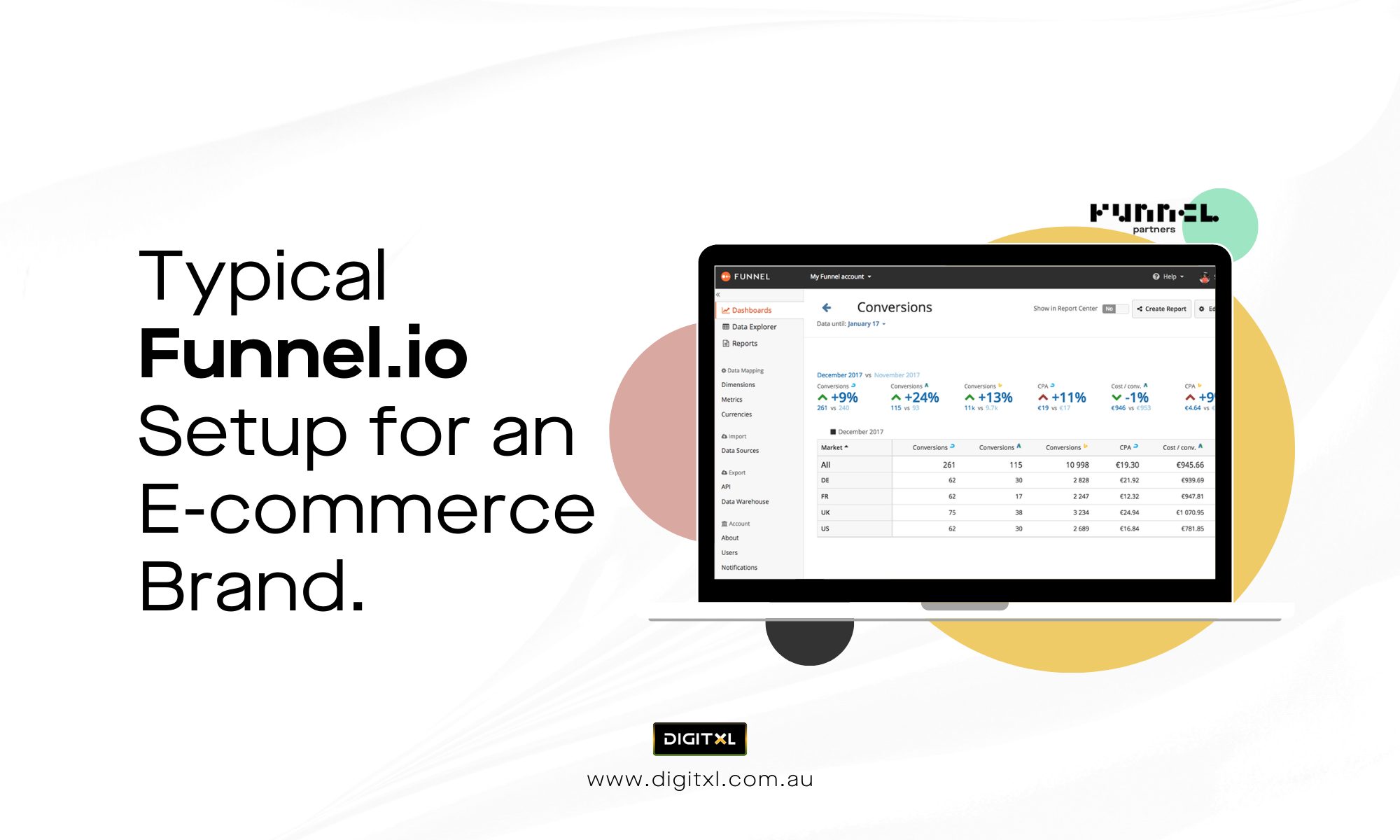
1. Core Channels Most Brands Pipe Into Funnel
For a standard mid-size e-commerce brand, a baseline funnel.io setup usually includes:
Paid media
- Google Ads (Search, Shopping, Performance Max)
- Meta Ads (Facebook + Instagram)
- TikTok Ads
- Microsoft/Bing Ads (if relevant)
- YouTube campaigns via Google Ads
Organic and analytics
- GA4 or other web analytics
- Search Console
- Sometimes SEO tools for impressions/position data
Email, SMS and CRM
- Klaviyo, HubSpot, Mailchimp or similar
- Basic CRM or order management data (for revenue and customer lifetime value)
E-commerce platforms
- Shopify, Adobe Commerce / Magento, WooCommerce or similar for orders, products and revenue
Most brands start with ad platforms + Shopify, then add email and analytics sources as reporting questions get more detailed.
2. How the Data Flow Usually Works
At a high level, the data flow in a typical funnelio tool setup looks like this:
- Connect sources – authenticate channels (Google Ads, Meta, Shopify, GA4, etc.) so Funnel can ingest data on a schedule.
- Standardise fields – map spend, clicks, impressions and conversions into a shared schema, even when platforms name things differently.
- Enrich and transform – add calculated fields (ROAS, cost per order, profit, VAT-exclusive revenue) and tidy up naming.
- Send to destinations – push the cleaned dataset to Looker Studio, Power BI, Snowflake, BigQuery or Sheets.
This approach lets you maintain one version of “what campaigns, ad sets and products did” across the whole stack.
3. Key Fields E-commerce Teams Tend to Model
The difference between a noisy dataset and a helpful one is usually the fields you standardise. In most e-commerce setups you’d expect:
Core performance metrics
- Spend / cost
- Impressions
- Clicks
- Sessions (from GA4)
- Orders / transactions
- Revenue (incl. and/or excl. GST)
- Conversion rate and cost per order
- ROAS or MER (at different aggregation levels)
Classification and grouping
- Channel and source (paid search, paid social, organic, email, affiliate)
- Campaign type (Shopping, Performance Max, Dynamic Remarketing, Prospecting, etc.)
- Device (desktop, mobile, tablet)
- Country / region
- New vs returning customers (often pulled from ecommerce or analytics)
E-commerce specifics
- Product category / collection
- Brand (if you sell multiple brands)
- Margin band or cost of goods (if available from finance or ERP)
- Discount or promotion flags
A thoughtful funnel.io services engagement will spend a fair bit of time here – getting naming conventions, groupings and calculated metrics agreed across marketing, analytics and finance, so dashboards stop triggering “which number is right?” debates.
4. Typical Dashboards for an E-commerce Brand
Once the data model is in place, the same cleaned dataset can feed several views for different stakeholders.
a) Executive performance overview
For founders or leadership, a top-level view usually covers:
- Total revenue vs target
- Blended ROAS / MER
- Spend and revenue by channel
- New vs returning customer mix
- High-level trend by week or month
This is the “five-minute health check” they can use before board meetings or budget calls.
b) Channel and campaign deep dives
For performance marketers:
- Drill-downs by platform → campaign → ad set/ad group → ad/creative
- Cost per order and ROAS by channel, campaign type and country
- Funnels from impression → click → session → order
Here the work you did standardising fields pays off: Google, Meta and TikTok all show in one place with consistent naming.
When cross-channel reporting shows that campaigns are generating clicks and sessions but not enough orders, a CRO consultant can investigate what happens after visitors reach the website. By combining Funnel.io reporting with behavioural data, they can identify friction across landing pages, product discovery, cart and checkout and prioritise the improvements that should be tested.
c) Product and collection performance
For merchandising and buying teams:
- Revenue, units and profit by product or collection
- Performance by product category vs campaign
- Impact of promotions on specific collections
This is where tying Shopify or Magento data into your model makes a big difference.
d) Retention and lifecycle reporting
When email and SMS data is included:
- Flow vs campaign revenue and margin
- Cohorts by first-purchase month and repeat behaviour
- Cross-sell / upsell performance by category
All of these use the same base dataset; they’re just different slices for different teams.
5. Why Some Brands Work With a Specialist Instead of DIY
Funnel is flexible, which is both a strength and a challenge. Many teams start with self-serve, then bring in help once things get messy or the questions get more complex.
That’s where a specialist funnelio agency or funnelio partner can be useful. They’re usually brought in to:
- Clean up source connections and fix broken imports
- Design a sensible, documented schema that multiple dashboards can share
- Align the Funnel setup with GA4, Shopify and the warehouse so numbers line up
- Build or refactor the core reporting views your team relies on
Engagements often begin as funnelio consulting – audit, planning and first round of modelling – and may continue as an ongoing funnelio consultancy relationship if you want someone to own changes, new channels and governance.
6. Getting Value Out of Your Setup
A typical e-commerce Funnel implementation works best when:
- Channels are connected with clear naming conventions, not just left as raw imports
- Key fields (spend, orders, revenue, margin) are aligned with finance and analytics
- Dashboards map to real business questions (e.g. “Where can we cut 10% spend with minimal impact?”)
- Someone is responsible for keeping the model tidy as campaigns, products and markets change
For Brisbane-based ecommerce brands, working with a CRO agency in Brisbane can help turn reliable Funnel.io reporting into a structured optimisation roadmap. CRO specialists can use channel, campaign, product and revenue data to identify underperforming customer journeys and prioritise tests across landing pages, product pages, cart and checkout.

 Previous

